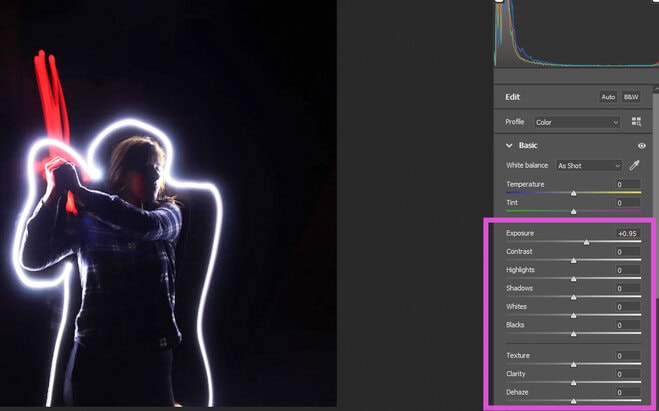
Editing Light PaintingEditing the Light Painting Projects Step 1 Open your image in Photoshop Open in Camera Raw (ACR) Step 2 Make the background darker or lighter look under Lighting Section Exposure...This content is password protected. To view it please enter your password belowFor Access email Mcelfish@yahoo.com Password: Show password