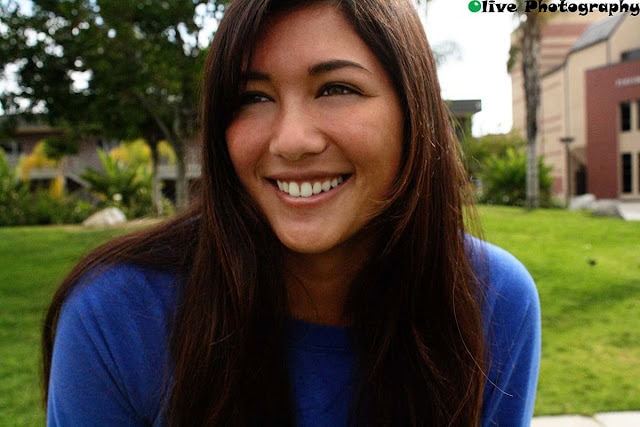
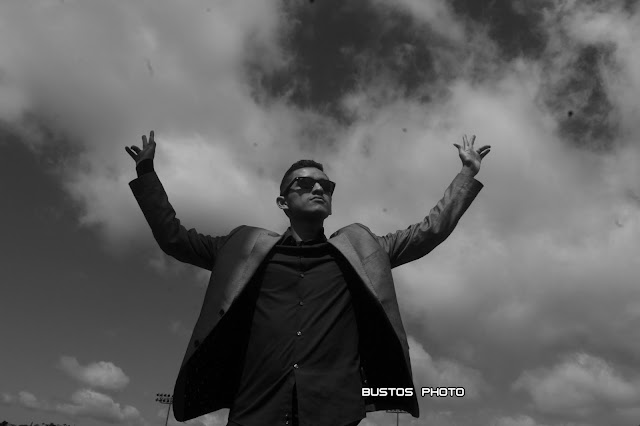
Self Portrait on Camera Timer
Step 1:
- Put your camera on a tripod or steady surface
- Set your Camera to AV
- f/1.8 and f/5.6
- NOTE: It is better to use the prime (pancake) lens for this photo
- f/1.8 and f/5.6
- Set your Camera to AV
Step 2:
- On the back of the camera
- Click on the middle left button
- This will allow you to set your timer to C
- Change the number to 3 to 5
- This will allow your camera to take multiple photos in a row
- Change the number to 3 to 5
- This will allow you to set your timer to C
- Click on the middle left button
____________________________________________________________________________________
EditingYour Self Portrait
“Photographs in color shows peoples clothes;
black and white photographs show the soul”
- Edit your photo in a way that represents your personality!
- A black and white edit is always recommended for a classic photographic look